Native tabs
Most of what’s interesting about tmnl is in this page.
A regular terminal is a byte sink for ANSI escape codes. The app inside writes
\x1b[31mhi\x1b[0m, the terminal parses those bytes back into “set fg to red,
emit h, emit i, reset”. Both sides have a cell grid in their head; they
just communicate by serialising it and re-parsing.
A native tab is a tab where that round-trip doesn’t happen. The hosted app
connects to tmnl over a Unix socket and ships typed Frame messages —
{ cells: [Cell { ch, fg, bg, attrs }, …] } — directly into the same Grid the
GPU pipeline draws. No vt100. No escape codes. The cells the app intends
are the cells that hit the screen.
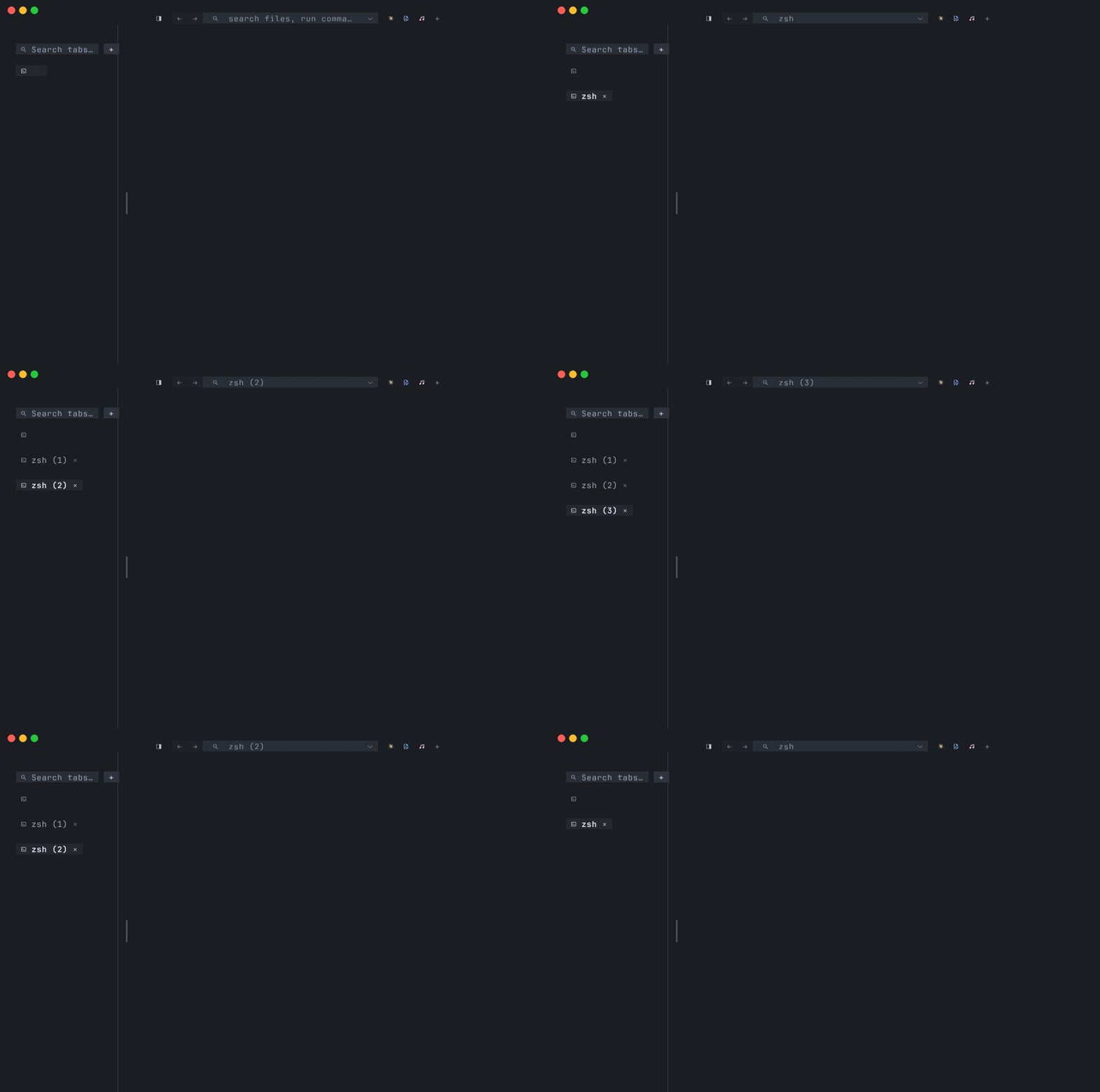
Native and shell tabs live in the same window. You can have a shell tab next
to a mnml tab next to a mixr tab; switch
between them with Cmd+1..9; close them with Cmd+W. Native is just another
kind of tab.
What a native tab actually is
Section titled “What a native tab actually is”Concretely, a native tab is one process pair:
- tmnl (server) owns the window, the
wgpucell pipeline, the glyph atlas, and aGridof(ch, fg, bg, attrs)cells for the tab. - The backing app (client) is a separate process, launched by tmnl, that
speaks the
tmnl-protocolwire format over a Unix-domain socket.
The traffic on the socket is small and explicit:
| Message | Direction | Purpose |
| --- | --- | --- |
| Hello { version, caps } | both | Handshake; current version is 7. caps is an opt-in capability bitmask. |
| Resize { cols, rows } | tmnl → app | Grid dimensions; sent on connect and on every resize. |
| Frame { cols, rows, cursor, runs: [DiffRun] } | app → tmnl | One frame of cells, optionally partial. |
| Input(Key \| Mouse) | tmnl → app | Keyboard / mouse, typed and decoded already. |
| Title(String) | app → tmnl | Set the tab-chip label. |
| Palette { bg, fg, accent } | tmnl → app | Tmnl’s chrome colors so the app can re-theme to match. |
| OpenPane { command, args } | app → tmnl | Ask tmnl to open a sibling native tab (e.g. mnml’s mixr.show). |
| OpenPaneTransfer { command, args } | app → tmnl | Same shape as OpenPane, but with a pty master fd attached via SCM_RIGHTS. |
| OpenFile { path } | app → tmnl | Ask the host to open path in its editor (e.g. mnml). |
| RunHostCommand(id) | app → tmnl | Fire a command from tmnl’s registry by id. |
| ListClientCommands / ClientCommands / RunClientCommand(id) | both | Round-trip to aggregate the hosted app’s command registry into tmnl’s palette. Gated on Caps::CLIENT_COMMANDS. |
| InlineImageCreate / InlineImageUpdate / InlineImageDestroy | app → tmnl | Overlay PNG images at cell coordinates inside the pane. Added in v7. Gated on Caps::INLINE_IMAGES. See SDK — Inline images. |
| Quit | tmnl → app | Tear-down; sent on shutdown. |
A Frame carries a list of DiffRun { start, cells: [WireCell] } — runs of
consecutive cells starting at a flat (row * cols + col) offset. Sending one
giant run that covers the whole grid is fine for a first cut (that’s what
hello_client.rs
does). Once your app knows which cells changed, you ship only those — the
protocol is fine with hundreds of small runs per frame.
The cursor lives on the Frame: cursor_col, cursor_row, cursor_shape
(0 block, 1 underline, 2 bar), cursor_visible. Tmnl overlays it on the
correct cell during render — the app doesn’t draw the cursor glyph.
Why this matters
Section titled “Why this matters”Two practical wins, one design one.
Crisp text, GPU-native. Cells go from the app’s source-of-truth straight
to a wgpu glyph atlas. No intermediate byte stream means no vt100
ambiguity (wide chars, malformed escapes, OSC parsing edge cases), no
double-buffered terminal-state machine, and no surprises at the seam between
what the app intended and what the terminal painted.
Resize is just a number. When the window resizes, tmnl sends one
Resize { cols, rows } message. The app re-lays out for the new size and ships
the next Frame. There’s no SIGWINCH plumbing, no ioctl(TIOCSWINSZ), no
“wait for the inner app to notice the size has changed and stop drawing into
nowhere”. It’s an inline message on the same socket.
The terminal stops being a translator. Every TUI today thinks in cells,
then serialises to ANSI, then a terminal parses the ANSI back into cells.
Native mode skips both halves. For a ratatui-shaped app (which already has
a Buffer of cells internally) the leap is one socket and a BlitBackend
that ships its frames over the wire instead of through stdout.
Launching a native tab
Section titled “Launching a native tab”Two CLI flags spawn a native tab at startup:
tmnl --mnml [WORKSPACE] # opens mnml as a native tabtmnl --mixr [ARGS…] # opens mixr as a native tabWhat happens under the hood (see
src/main.rs
around which_app and editor_template):
- tmnl mints a Unix socket path —
<tempdir>/tmnl-<pid>.sockfor the first tab,<tempdir>/tmnl-<pid>-<nonce>.sockfor additional ones. - It binds the socket (the
Serverinsrc/server.rs) and starts listening. - It walks up its own exe’s parent dirs looking for a sibling repo’s binary
—
<…>/mnml/target/{release,debug}/mnmlor<…>/mixr-rs/target/{release,debug}/mixr. TheTMNL_LAUNCH_CMDenv var overrides the resolved path for--mnml. - It spawns that binary with
--blit <socket>appended, plus the per-app defaults —--input standardfor mnml,--dashboardfor mixr.TMNL_LAUNCH_ARGSoverrides the defaults entirely. - The child connects back over the socket, both sides exchange
Hello, and the tab goes live.
If the binary isn’t found, the tab still opens — tmnl prints the socket path
and waits. You can connect any client to that path manually, which is
exactly what --no-launch is for:
tmnl --mnml --no-launch# tmnl: --no-launch — start mnml manually with --blit /tmp/tmnl-12345.sockUseful when you’re developing a backing app and want to attach a fresh build between iterations.
What Cmd+T does
Section titled “What Cmd+T does”Tmnl remembers what flavour of tab the window launched with — an
EditorTabTemplate capturing the binary, workspace, and extra args. When you
hit Cmd+T:
- Launched with
--mnml?Cmd+Topens another mnml tab, same workspace, fresh socket. - Launched with
--mixr?Cmd+Topens another mixr tab. - Launched as a plain shell?
Cmd+Topens another shell tab.
This is “every new tab is the same kind”. If you want a different kind, you
can mix flavours in one window by typing a command in a shell tab —
tmnl-style apps usually accept a —blit flag — but the welcome screen’s
recents list (~/.config/tmnl/recents.toml, 1–9 to re-open) is the
intended way to bring up a familiar TUI on a future session.
Side-by-side with shell tabs
Section titled “Side-by-side with shell tabs”Native and shell tabs are peers. The tab strip mixes them freely:
[ ● mnml — repo ] [ zsh ] [ mixr ] [ + ]The keybindings are the same regardless of tab kind:
| Action | Chord |
| --- | --- |
| Switch to tab N | Cmd+1 … Cmd+9 |
| Next / prev tab | Cmd+Shift+] / Cmd+Shift+[ |
| New tab (same flavour) | Cmd+T |
| Close tab | Cmd+W |
Cmd+W deserves a note. In a shell tab it kills the pty. In a native tab
it isn’t intercepted by tmnl — it’s forwarded to the hosted app as Ctrl+W,
so e.g. mnml closes its focused buffer instead of tearing the whole tab down.
If you want an unambiguous escape, Cmd+Shift+[ / Cmd+Shift+] always
switch tabs at the tmnl level regardless of who has focus.
Writing your own native-mode app
Section titled “Writing your own native-mode app”The protocol is a single crate — tmnl-protocol — that you add as a
dependency:
[dependencies]tmnl-protocol = "0.0.9"The crate ships a Client SDK that wraps the connection handshake,
double-buffers a cell grid, and turns the raw Message stream into a small
Event enum. A complete echo client fits in ~25 lines.
The full walkthrough — Client::connect / poll / flush / run_loop,
the Event variants, when to drop to the raw protocol, and the v6
capability bitmask — lives on its own page: SDK — building a backing
app.
For a ratatui app the integration is one extra step — wrap a
TestBackend so its in-memory cell buffer ships over the wire after every
draw. That’s the “BlitBackend pattern”: you keep using ratatui’s
Frame / Layout / widgets exactly as before, the wrapper translates the
backend’s Buffer into a tmnl_protocol::Frame on flush. mnml’s
src/blit/mod.rs
is the reference implementation; the same shape works for any
ratatui-shaped TUI.
Smoke-testing without a GPU
Section titled “Smoke-testing without a GPU”You can develop a backing app without ever launching the real tmnl. Two example binaries fake each side of the protocol:
# Terminal A — tmnl stub: binds the socket, scripts input, prints frames.cargo run --example fake_server -- /tmp/dev.sock
# Terminal B — your app under development.cargo run -- --blit /tmp/dev.sock
fake_server runs in stdout instead of a window, so the frames your app
ships are printable. Pair it with fake_client to exercise tmnl’s
server side without a backing app.
The full protocol walkthrough — handshake, frame semantics, diff runs, partial
updates — lives in
docs/sdk-guide.md.
Pty-fd handoff (advanced, Unix only)
Section titled “Pty-fd handoff (advanced, Unix only)”There’s a second SCM_RIGHTS listener that exists for one specific trick: a backing app can hand a running pty session over to tmnl, and that pty keeps running inside a fresh shell tab.
The use case lives in mnml: a Pane::Pty running claude or codex or
just a shell gets “popped out” into its own tmnl tab without losing
scrollback or restarting the child. From inside mnml you run :tmnl.pop-pty
(alias :tmnl.pop). Under the hood:
- tmnl exports
TMNL_TRANSFER_SOCKET=<tempdir>/tmnl-<pid>-transfer.sockbefore any childexec, so backing apps inherit the path. - tmnl binds that socket as a dedicated single-message listener
(
src/transfer.rs). - mnml’s
:tmnl.pop-ptyopens the socket and callssend_message_with_fd(stream, OpenPaneTransfer { command, args }, Some(pty_master_fd)). The pty master fd rides viaSCM_RIGHTSancillary data on the samesendmsg(2). - tmnl receives the message, takes ownership of the fd via
ShellSession::adopt_fd, and surfaces a new shell tab on the next tick. - mnml marks its sender side as released so the pty session isn’t killed when the source pane closes.
Why the dedicated socket? SCM_RIGHTS ancillary data can’t be read through
a BufReader — the streaming protocol connection uses one — so the
handoff gets its own single-message socket.
Platform note. SCM_RIGHTS is AF_UNIX-specific. The handoff helpers
return Unsupported on Windows. The streaming protocol socket itself works
on Windows via uds_windows, but pty-fd handoff is Unix-only.
Limitations — be honest
Section titled “Limitations — be honest”Native mode isn’t a drop-in replacement for shell mode. There are real constraints.
- Apps must be ratatui-shaped. Native mode is for apps that think in a
bounded grid of
(ch, fg, bg, attrs)cells —ratatuiTUIs are the canonical fit. A generic CLI tool that emits scrolling text doesn’t have a grid to ship; it’d have to invent one. Use a shell tab and letvt100do its job. - Inline images are PNG-only, cell-anchored. Protocol v7 adds
InlineImageCreate/Update/Destroyfor overlaying raster images at a cell coordinate inside a native pane — see SDK — Inline images. The image scrolls with the underlying cells (cell-anchored, not pixel-anchored). PNG today; JPEG + other formats are reserved on theImageFormatenum but not shipped. The cell schema itself remains(ch, fg, bg, attrs)— images are a side-channel overlay, not a cell-level type. - Single client per tab. A given native tab’s socket accepts one connection at a time — a second connection is refused with a warning. The one-client-per-pane model is intentional; it keeps frame-ordering and resize semantics simple.
If your app fits the grid model and you want crisp text, GPU-native rendering, and no escape-code seam, native mode is the path. If you want to ship a sixel-rendering image viewer this week, shell mode is the path.
Where to go next
Section titled “Where to go next”- SDK — building a backing app — the published
Clienthelper API, capability negotiation, and when to drop to the raw protocol. examples/hello_client.rs— minimal, commented backing-app template.tmnl-protocol— the wire-format crate.mnml— the reference client;src/blit/mod.rsis theBlitBackendpattern for ratatui apps.- FEATURES.md — the shipped-feature inventory and what’s still on the roadmap.