Tabs, splits, and panes
A tmnl window is a stack of tabs. Each tab is a split tree of panes. One pane per tab has focus and receives keyboard input. The tab strip at the top shows one chip per tab; the body shows the focused tab’s split layout.
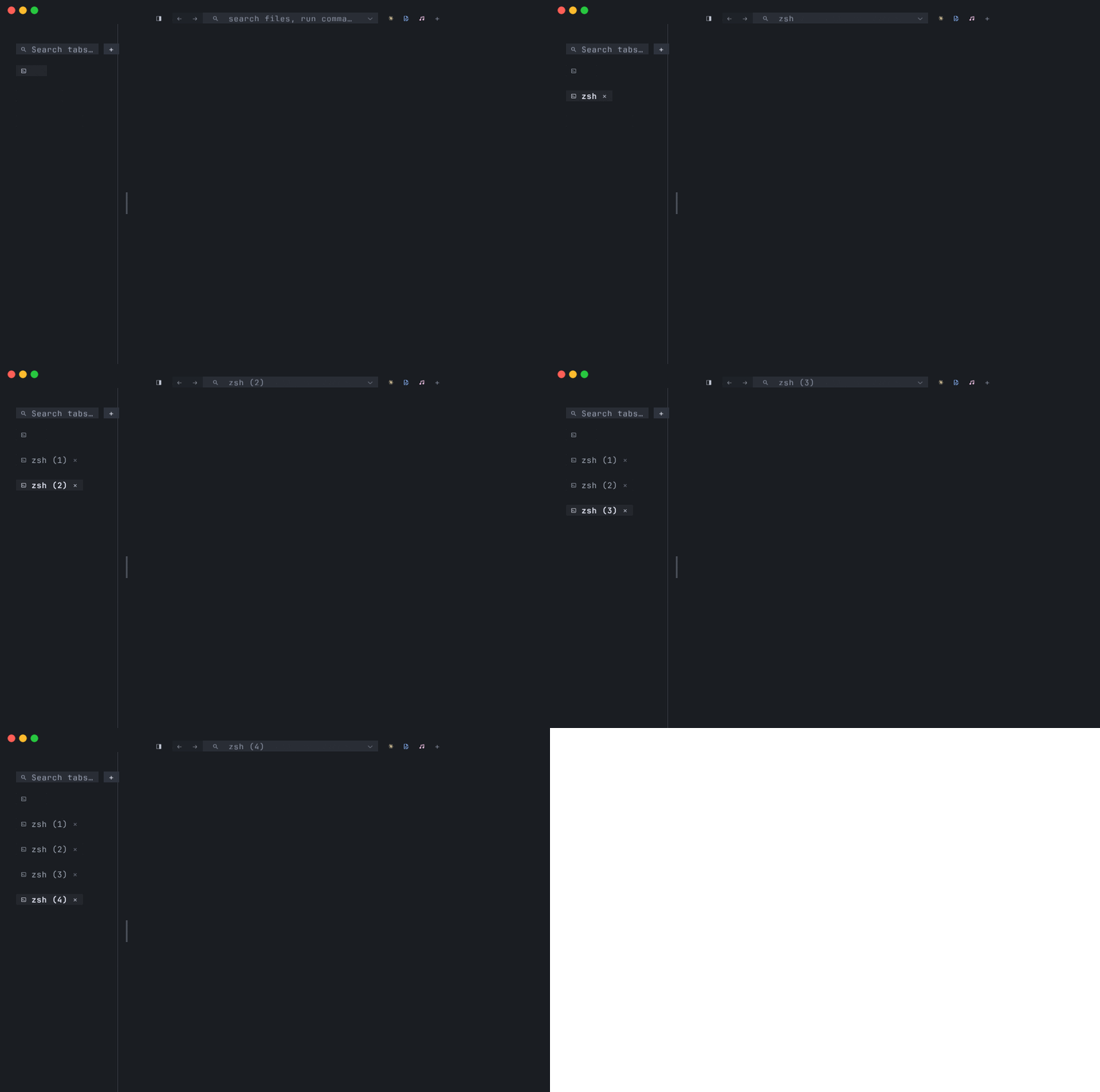
That sentence is the whole model. The rest of this page is the chord reference,
the rules around focus and drag-reorder, what kinds of panes exist, and how
splits resize, equalize, and zoom. For the deep dive on the native pane kind
— what the tmnl-protocol wire format does, how to write a backing app — see
Native tabs. For every menu entry that operates on a tab or
pane, see Menu bar reference > Shell > Splits.
A tab owns:
- A split layout — a binary tree of panes (
layout.rs::Layout). Today always a singleLeaf; theSplitconstructor + the split / focus / close verbs are wired (Cmd+D,Cmd+Shift+D, …) and the math is unit-tested, but see Phase 1 limitations for the current ceiling. - A
panesvec the tree indexes into. Each pane carries its ownGrid, so switching tabs is instant — background panes keep their state for free. - A
focusedpane id — the leaf that draws a cursor + full-bright text + receives keyboard input. - A label — derived from the focused pane (shell name, mnml-set title, Claude Code attention status, …) unless the user has set a custom name by right-clicking the chip → rename.
The active tab’s body is laid out by recursively splitting the body rect
through its Layout tree (Layout::leaf_rects). Inactive tabs render nothing
— they pause until you switch back, at which point their cached Grid is what
you see (no re-render, no flash).
Tab chords
Section titled “Tab chords”Cmd chords are intercepted at the tmnl level — Cmd doesn’t reach the hosted process unless explicitly forwarded (see Native tab forwarding).
| Action | Chord |
| --- | --- |
| New tab (same flavour) | Cmd+T |
| Close active tab | Cmd+W |
| Jump to tab N | Cmd+1 … Cmd+9 |
| Cycle prev / next | Cmd+Shift+[ / Cmd+Shift+] |
Cmd+T spawns the same kind of tab the window launched with — --mnml
launches another mnml workspace; --mixr launches another mixr; a bare launch
spawns a fresh shell tab. tmnl stashes an EditorTabTemplate on startup
capturing the binary + workspace + extra args so the second Cmd+T looks
identical to the first.
Cmd+W on the last tab closes the window.
The + chip
Section titled “The + chip”Past the last tab chip on the strip sits a + button. Left-clicking it does
exactly what Cmd+T does — spawns a same-flavour new tab. Native-mode
windows get another native tab; shell-mode windows get another shell.
Closing tabs
Section titled “Closing tabs”Three ways to close a tab:
Cmd+Won the focused tab.- Middle-click anywhere on a tab chip.
- Left-click the
⊗that appears on each non-active chip (the small close badge — hit-tested before the chip-switch rect, so the close glyph isn’t also treated as a tab switch).
Inside a native-mode tab, Cmd+W is forwarded to the hosted process as
Ctrl+W instead of closing the tmnl tab. The middle-click and ⊗ paths
always close the tmnl tab regardless of pane kind.
Child-exit semantics. When a tab’s underlying process exits — a pty
child exits (mixr Ctrl+C, mnml :q, claude code quit, …) or a Native
client disconnects — only that tab closes, not the whole window. If
the tab was the only one in the window, the window closes the way
Cmd+W on a last tab would. In multi-window sessions, a closed last-tab
in one window leaves the other windows intact. The previous behaviour
killed the whole window on any child exit; the fix shipped with
820e05e (Native) + 744a4f7 (Shell pty).
Drag-reorder
Section titled “Drag-reorder”Click and drag a tab chip along the strip to reorder. The implementation is
simple: while a chip drag is armed (the mouse went down on a chip and is still
held), every CursorMoved event over a different chip swaps the dragged
tab with the chip under the cursor in-place. The active tab follows the swap.
There’s no animation and no separate drop indicator — the strip commits the
swap as soon as the cursor crosses into another chip. On release the drag
ends.
Renaming a tab
Section titled “Renaming a tab”Right-click a tab chip → the chip turns into an inline text field. Type the
new name, Enter commits, Esc cancels, any click anywhere commits.
Session-only — not persisted. An empty rename reverts the chip to its
auto-derived label.
Tab strip rendering
Section titled “Tab strip rendering”The tab strip is a separate wgpu pipeline (strip.wgsl) painted above the
cell grid — chrome, not content. Layout is OS-aware:
- macOS — leaves an inset on the left for the traffic-light buttons. The
exact pixel count lives in
MACOS_TAB_STRIP_PX_*constants insrc/main.rs. - Windows / Linux — the strip runs the full window width with no inset; there’s no traffic-light gap to leave room for.
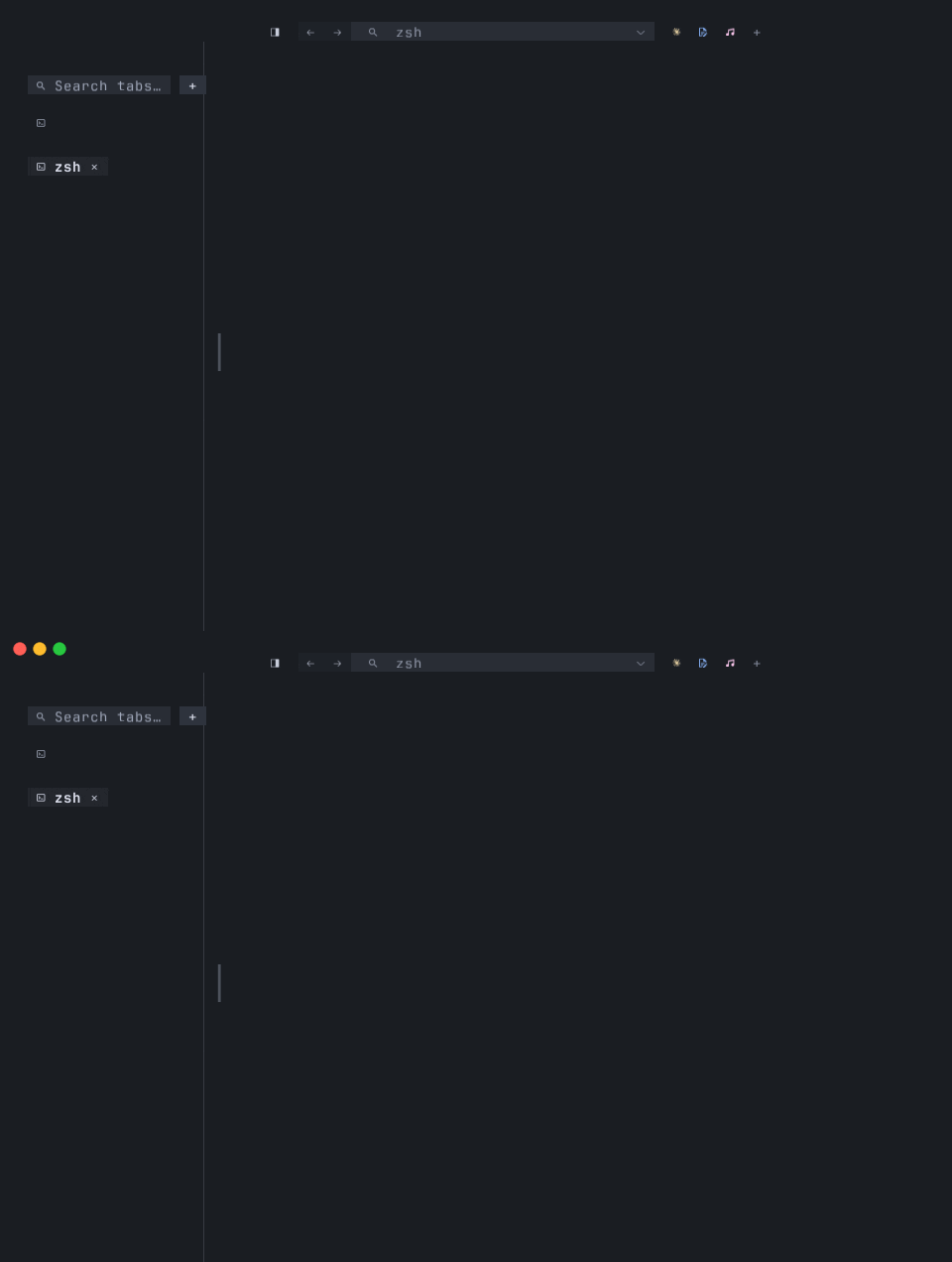
The strip carries the tab chips left-to-right, then the + new-tab button.
On a Native-mode tab the chip can also show an attention ● prefix when the
hosted process emits an OSC 1337 attention signal — Claude Code does this when
a turn finishes and it’s waiting for input.
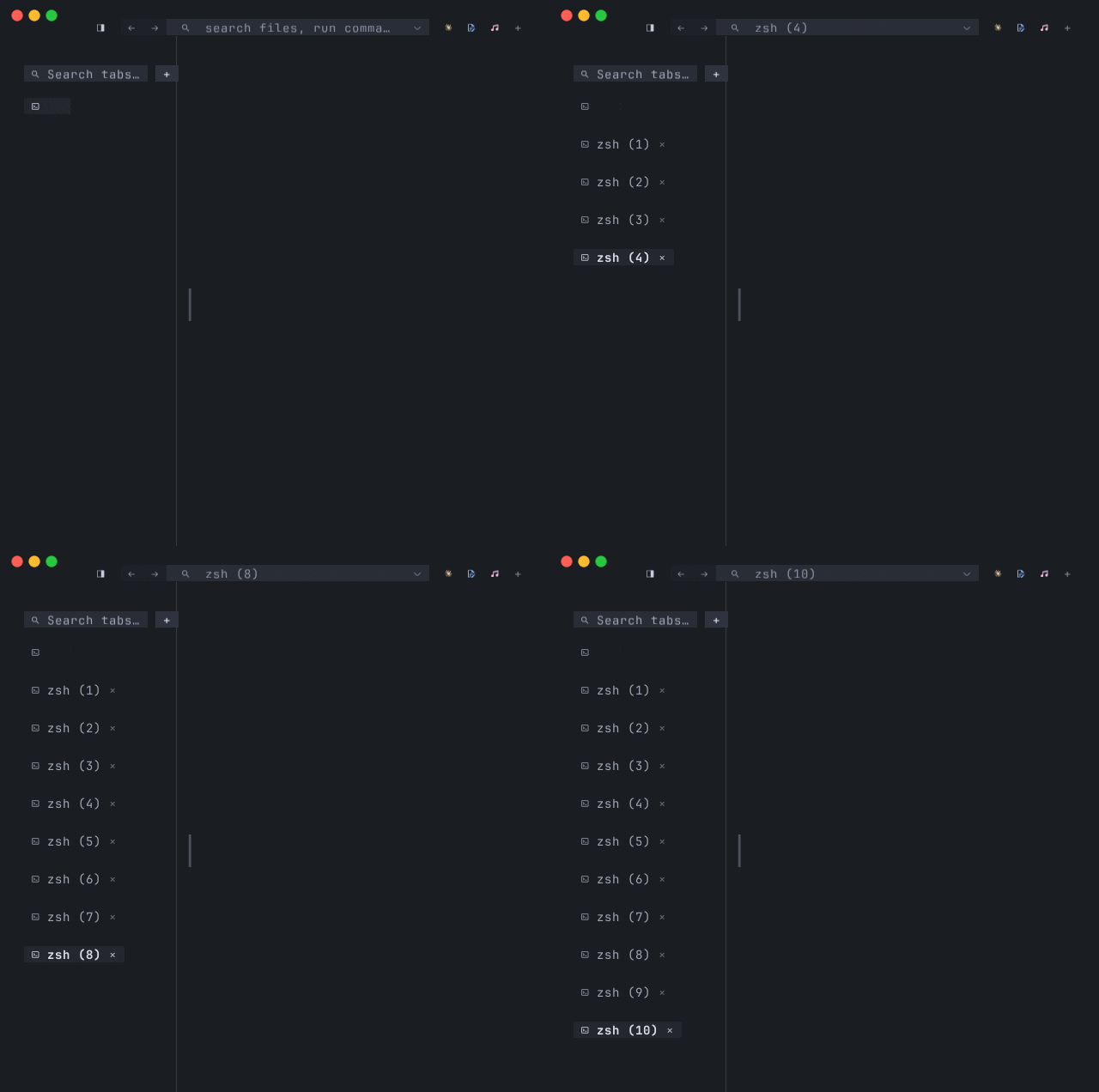
When the chip row fills, the strip wraps to a second row rather than truncating — every tab stays visible, no overflow scroller needed.
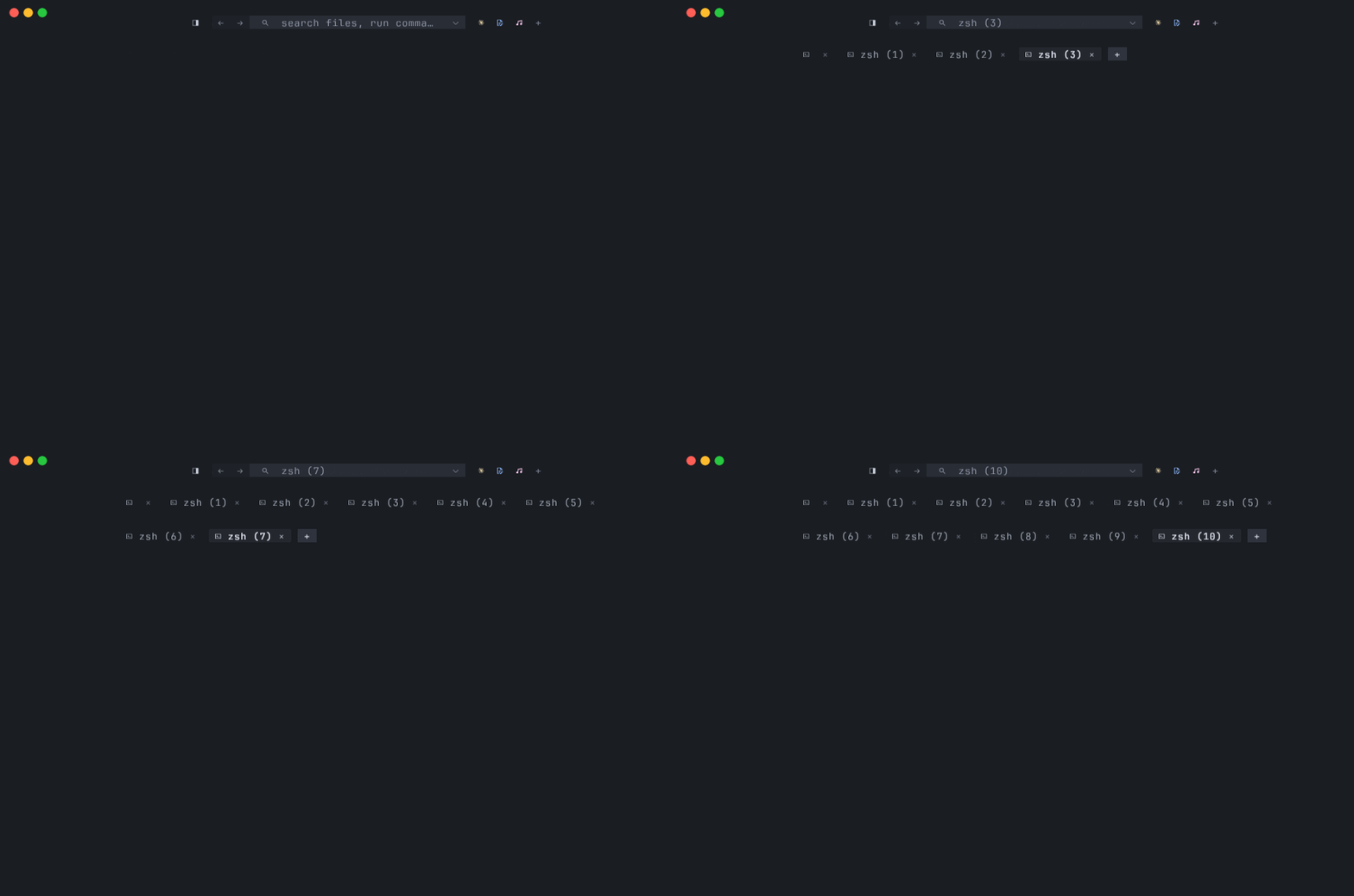
Figure: horizontal-mode chip flow with the strip well under its wrap threshold — contrast with the wrapped strip above, and with the vertical-sidebar variant covered in Tab layout.
Panes (inside a tab)
Section titled “Panes (inside a tab)”A pane is the leaf of a tab’s split tree. Each one owns a Grid and a
PaneKind:
- Shell — a real
$SHELLpty hosted by tmnl, output parsed byvt100into cells. The everyday tmnl pane. - Native — a
tmnl-protocolserver socket and a connected backing-app process (mnml, mixr, your own client) shippingFrames of cells directly into the pane’sGrid. No ANSI parsing in the loop. See Native tabs for the protocol-level deep dive — how the socket is minted, what the wire format looks like, and how to write your own backing app. - Browser — a
wry::WebViewmounted as a sub-region of the tmnl window with a cell-grid chrome strip on top (back / forward / reload / URL bar). Opens viaCmd+Opt+B(DuckDuckGo),Cmd+Opt+V(clipboard URL), orCmd+Opt+D(auto-attach a Playwright dashboard). See Browser pane for the URL-bar editor, the Playwright workflow, and the inactive-tab visibility handling.
There’s no separate “Welcome” pane kind. The welcome overlay on a bare launch is painted on top of a shell pane that’s already there — dismissing it drops you into that shell.
Pane focus
Section titled “Pane focus”Within a tab, exactly one pane has focus.
- Mouse press in a pane focuses it before forwarding the event to that
pane in its local cell coordinates (
src/app.rs::pane_under_cursor). Cmd+Option+Arrowmoves keyboard focus to the pane nearest the focused one in the arrow’s direction (focus_dir). No-op if there’s no pane in that direction.
The focus cue is a brightness contrast, not a border. The focused pane draws
its cursor + full-bright cells; every other pane on the active tab fades
toward its own background by INACTIVE_DIM = 0.4. Splits in the active tab
are separated by 1-cell divider strips (drag a divider to resize the split);
no accent-colored border is painted around the focused pane.
Split chords
Section titled “Split chords”| Action | Chord |
| --- | --- |
| Split focused pane to the right | Cmd+D |
| Split focused pane downward | Cmd+Shift+D |
| Maximize / un-maximize focused pane | Cmd+Shift+Return |
| Close focused pane | Cmd+Shift+W |
| Move focus left / right / up / down | Cmd+Option+Arrow |
| Split right with browser | Cmd+Option+B |
| Split right with clipboard URL | Cmd+Option+V |
The basic split chords always spawn a fresh shell pane regardless of the
tab’s flavour — a Native split is a follow-up. The split takes focus
immediately so the next keystroke goes into the new shell. For splits
that spawn a launcher binary instead of $SHELL, see
Shell > Splits > Split with Integration ▸ in the menu bar — same list as
the launcher rail, but the click splits the active pane.
Cmd+Shift+W closes the focused pane and collapses its split so the sibling
takes the freed space. Closing the last pane in the tab closes the whole tab.
Resize and equalize
Section titled “Resize and equalize”The resize and equalize verbs are menu-only (chord-less) so they don’t compete with mnml’s own pane-resize chords inside Native panes. Live under Shell > Splits ▸:
- Resize Pane Wider / Narrower / Taller / Shorter — adjusts the deepest
ancestor split of the focused leaf whose direction matches. Δ = ±5%,
clamped to
[0.05, 0.95]so neither child collapses. No-op when the focused pane has no ancestor split in that direction. - Equalize Splits — walks the focused tab’s tree and resets every ratio to 0.5. No-op on a single-pane tab.
- Or just drag a divider — the 1-cell divider strip between panes hit-tests as a resize handle.
Maximize / Zoom a pane
Section titled “Maximize / Zoom a pane”Cmd+Shift+Return (or Shell > Splits > Maximize Pane) toggles the
focused pane to fill the whole tab. The split tree underneath is preserved
unchanged — the other panes are hidden, not closed. Their sessions keep
running (scrollback accrues, background ptys still tick). Hit
Cmd+Shift+Return again to restore the layout exactly as it was.
Single-pane tabs no-op — zoom would be meaningless.
Mechanism: Tab.zoomed_pane: Option<PaneId>. When set,
Tab::effective_leaf_rects returns [(zoomed, area)] instead of walking
the split tree; everything that paints or hit-tests panes (strip layout,
redraw, focus_dir nearest-neighbor) goes through the effective method.
Zoom is session-only — it doesn’t persist across restarts.
Native-tab Cmd forwarding
Section titled “Native-tab Cmd forwarding”When the focused pane is a Native pane, a handful of Cmd chords get
translated to Ctrl-equivalents and forwarded to the hosted process
instead of being intercepted at the tmnl level. The pragmatic point: a Mac
user with mnml muscle memory should hit Cmd+P and get mnml’s file picker,
not a tmnl-level no-op.
| Cmd chord | Forwarded as | Why |
| --- | --- | --- |
| Cmd+W | Ctrl+W | mnml closes the focused buffer, not the whole tab. |
| Cmd+1 … Cmd+9 | Alt+1 … Alt+9 | mnml’s tab.goto_N chord fires. |
| Cmd+Z / X / C / V / A / S / F / N | Ctrl-equivalent | Standard editing chords. |
| Cmd+P / B / G / / | Ctrl-equivalent | mnml file picker / tree / goto-line / comment. |
Shell panes keep the original tmnl behavior for these (so Cmd+C still copies
to the OS clipboard, etc.).
Cmd+Shift+[ / Cmd+Shift+] (cycle tabs) are never forwarded — they
always switch tmnl tabs, so there’s an unambiguous way to leave a Native tab
when you’re inside one.
Command palette (Cmd+Shift+P / F1)
Section titled “Command palette (Cmd+Shift+P / F1)”A VS Code-style fuzzy picker over the entries in tmnl’s command registry. Behavior depends on the focused pane kind, matching the rest of the Cmd-forward family:
- Native pane focused —
Cmd+Shift+Pforwards asCtrl+Shift+Pso mnml’s own command palette opens (mnml has itsview.palettebound identically). One muscle-memory chord across the family. - Anywhere else (Shell, Browser, no pane) — opens a tmnl-side
overlay centered on the window listing every registered command,
filtered live by typed substring against title + id.
↑↓moves the highlight,Enterruns the selected command viacommand::dispatch_by_id,Esccloses. The sameview.palettecommand id; just resolved by tmnl rather than forwarded.
F1 is the terminal-proof alias — Ctrl+Shift+P only arrives distinct
under the kitty keyboard protocol, and some terminals swallow it.
The picker is a greedy modal: every keystroke goes to it while open,
so other Cmd chords (Cmd+T, Cmd+W, …) are inert until you commit
or cancel. The no_modal_open predicate that gates registry chords
already includes palette.is_none().
Sidebar auto-hide on Native focus
Section titled “Sidebar auto-hide on Native focus”When tab_layout = "vertical" (the sidebar layout) and the focused tab’s
focused pane is a Native pane (mnml / mixr / any blit-host TUI), the
tmnl-side sidebar auto-hides for that tab. Mnml ships its own tree
rail; mixr ships its own crossfader panel — the duplicate tmnl-side
sidebar just steals body width. Switching to a Shell tab brings it back;
switching back to the Native tab hides it again. The rule fires
per-focused-tab regardless of how many tabs are open in the window — a
multi-tab window with one mnml tab and several shells still gets the
sidebar back when you’re focused on a shell.
The launcher rail follows the same rule: when the focused pane is Native, the rail hides on this tab too (mnml has its own activity bar at the left edge).
Current limitations
Section titled “Current limitations”- No pane swap chord.
Cmd+Option+Arrowmoves focus between panes; it doesn’t swap them in the tree. - No Native splits.
Cmd+D/Cmd+Shift+Dalways spawn a shell pane. A Native-pane split (e.g. mnml beside mixr in the same tmnl tab) is on the roadmap; today that pattern is “two adjacent native tabs,” switched withCmd+Shift+[/]. Shell > Splits > Split with Integration ▸ covers the pty-pane case (mnml as a Shell pty pane in the split), which works but doesn’t carry the Native protocol benefits. - Drag-reorder has no drop indicator. The strip just commits the swap as the cursor crosses into another chip. An explicit drop indicator is a polish item.
Where to go next
Section titled “Where to go next”- Menu bar reference — the full menu surface, including the resize / equalize / maximize verbs and the dynamic Split with Integration submenu.
- Native tabs — the protocol-level deep dive. What a
Native pane actually is, the
tmnl-protocolwire format, writing your own backing app, the pty-fd handoff, the honest limitations of native mode. - Integrations — the launcher rail and the
discovery overlay that adds chips to it (incl. the
:browserand:httpbuilt-ins). - Browser pane — the third pane kind, both as a
split (
Cmd+Opt+B) and as a launcher chip (:browser). - Multi-window — what a tab moves into when you
pick
Move Tab to New Window, plus the per-window cfg model. - Getting started — the higher-level walkthrough of shell mode, native mode, and the family bundle.
- FEATURES.md — the shipped-feature inventory and the roadmap.
- The split-tree implementation lives in
src/layout.rs; zoom + the effective-rects accessor insrc/tab.rs; the chord handlers insrc/app_keyboard.rs.